How to Use the Hidden Water Eject Shortcut on iPhone

A lifelong tech enthusiast, with experiences ranging from jailbreaking his iPhone to building his own gaming PC, Rhett specializes in maintaining privacy in a digital world and iPhone security.
Learn More A lifelong tech enthusiast, with experiences ranging from jailbreaking his iPhone to building his own gaming PC, Rhett specializes in maintaining privacy in a digital world and iPhone security.
Learn MoreWhat to Know
- Most iPhones are water resistant, but none of them are waterproof.
- There is a handy shortcut for getting water out of your iPhone.
- When you run the shortcut, it will emit a sound to expel water from your phone speakers.
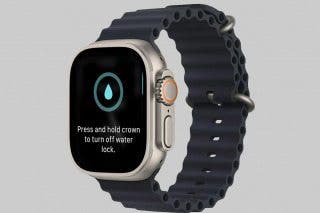
The Apple Watch has a nifty feature that ejects water from the speaker after you’ve been for a swim. The iPhone doesn’t have the same feature, sadly, so if your iPhone ever takes a dive, there’s no option to clear water from your speakers. However, some tech-savvy iPhone users have found a way to create a water eject shortcut that performs a similar function. Check it out below!
Is the iPhone Waterproof?
Before we get started, every iPhone owner should know that iPhones are not waterproof. They are water resistant, but that is not the same thing. Depending on which model you have, your iPhone likely is designed to survive being submerged about six meters underwater for thirty minutes. This does not mean you should take your iPhone for a swim or try to use it for underwater photography without a case. The iPhone’s water resistance is meant to protect it from accidents involving water, like if you accidentally drop it in the pool or spill a drink on it.
How to Get Water Out of iPhone
When your device gets wet, liquid can easily make its way into the speakers. The quickest way to remedy the situation is with this handy water eject shortcut. Here’s how to use the Water Eject shortcut and protect your iPhone from water damage.
Note: This article requires adding a shortcut from a third party. Always be careful when adding third-party shortcuts. We cannot guarantee the safety of all third-party shortcuts.
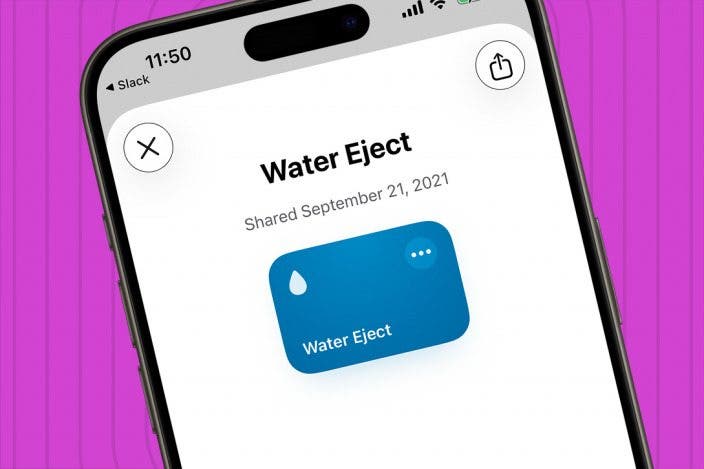
First, you’ll need to install this Water Eject Shortcut from Shortcuts Gallery.
- Tap Add Shortcut.

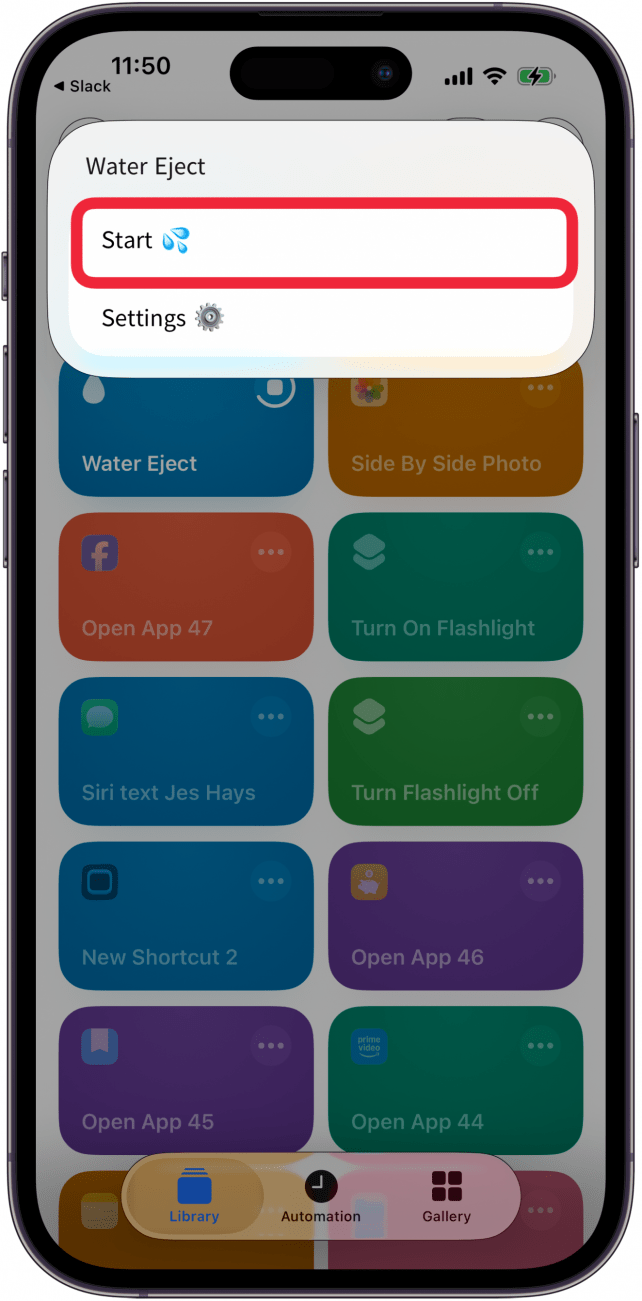
- Now that you have the shortcut installed, you can run it two different ways. The first is to just tap the Water Eject shortcut in the Shortcuts app.

- Tap Start to start up the shortcut.
- Select an intensity level.

- Your iPhone will emit noise to get water out of the phone speakers for a few seconds, depending on the intensity level you selected.
- You'll be asked to share information with wikimedia; tap Don't Allow for privacy purposes.

- Tap Allow to allow notifications from Water Eject.

- Tap Don't Allow to keep Water Eject from sharing content with any website.

- You can also run this shortcut with Siri. Activate Siri either by saying, “Hey, Siri,” or by pressing and holding the side button, then saying, “water eject”, and tapping Start.

Now, if you ever accidentally drop your phone in the sink while doing dishes or spill a drink on it, you can easily use the water eject shortcut to get the water out of your iPhone speakers. For more advice on protecting your iPhone, be sure to sign up for our free Tip of the Day newsletter. Now, let’s move on to how to get water out of iPhone with the water eject shortcut.
FAQ
- I'd like to make my own shortcuts; how do I do that? To make your own shortcut on your iPhone, open the Shortcuts app, tap the plus icon, tap Add Action, then follow the steps the Shortcuts app guides you through.
- Are Apple Watches waterproof? Some Apple Watches are water resistent, but not waterproof. We have a walkthrough that shows you which Apple Watch models are waterproof, and to what extent.
- How do I use the Apple Watch waterlock? To use the Apple Watch Water Lock, open the Control Center, then tap the drop icon to engage the Water Lock feature.

Rhett Intriago
Rhett Intriago is a Feature Writer at iPhone Life, offering his expertise in all things iPhone, Apple Watch, and AirPods. He enjoys writing on topics related to maintaining privacy in a digital world, as well as iPhone security. He’s been a tech enthusiast all his life, with experiences ranging from jailbreaking his iPhone to building his own gaming PC.
Despite his disdain for the beach, Rhett is based in Florida. In his free time, he enjoys playing the latest games, spoiling his cats, or discovering new places with his wife, Kyla.
 Rhett Intriago
 Leanne Hays
 Olena Kagui

 August Garry

 Amy Spitzfaden Both

 Rachel Needell