How to Copy a Note on iPhone in Just 3 Steps

With 10-plus years of experience with Apple devices, Rachel specializes in all things iPad and is a Notes app expert. Find her writing in the Daily Tip newsletter and iPhone Life magazine.
Learn More With 10-plus years of experience with Apple devices, Rachel specializes in all things iPad and is a Notes app expert. Find her writing in the Daily Tip newsletter and iPhone Life magazine.
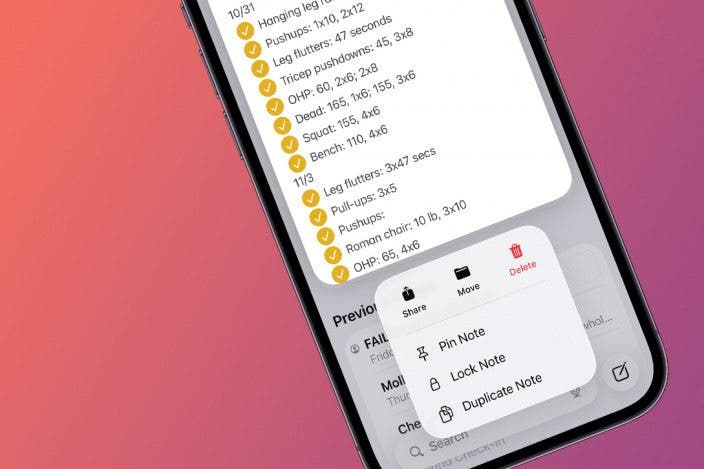
Learn MoreThere could be a million reasons why you may need an exact copy of a note in the Notes app on your iPhone. As a writer who is addicted to Apple's Notes app, this is something I find myself doing often. I just found the coolest way to make an instant copy of an already existing note, and it's so easy. I'll show you how to duplicate a note in on your iPhone below.
Why You'll Love This Tip
- Learn how to duplicate notes on iPhone and make instant and exact copies of existing notes with a tap of a button.
- Avoid having to select the whole text, copy, and then paste a note just to make a copy. Instead, you can now quickly tap ONE button to do all the same work!
How to Copy iPhone Notes in Three Easy Steps
System Requirements
This tip was performed on an iPhone 17 Pro Max running iOS 26.1. Find out how to update to the latest version of iOS.
If you have a note you'd like to make a copy of within the Notes app, there's actually a really simple way to duplicate a note without copying and pasting the whole thing. Let's get into how to duplicate notes on iPhone. For more useful tips and tricks, be sure to check out our free Tip of the Day newsletter. If you need a copy of a note, you don't need to copy and paste. Instead, you can just tap Duplicate Note.
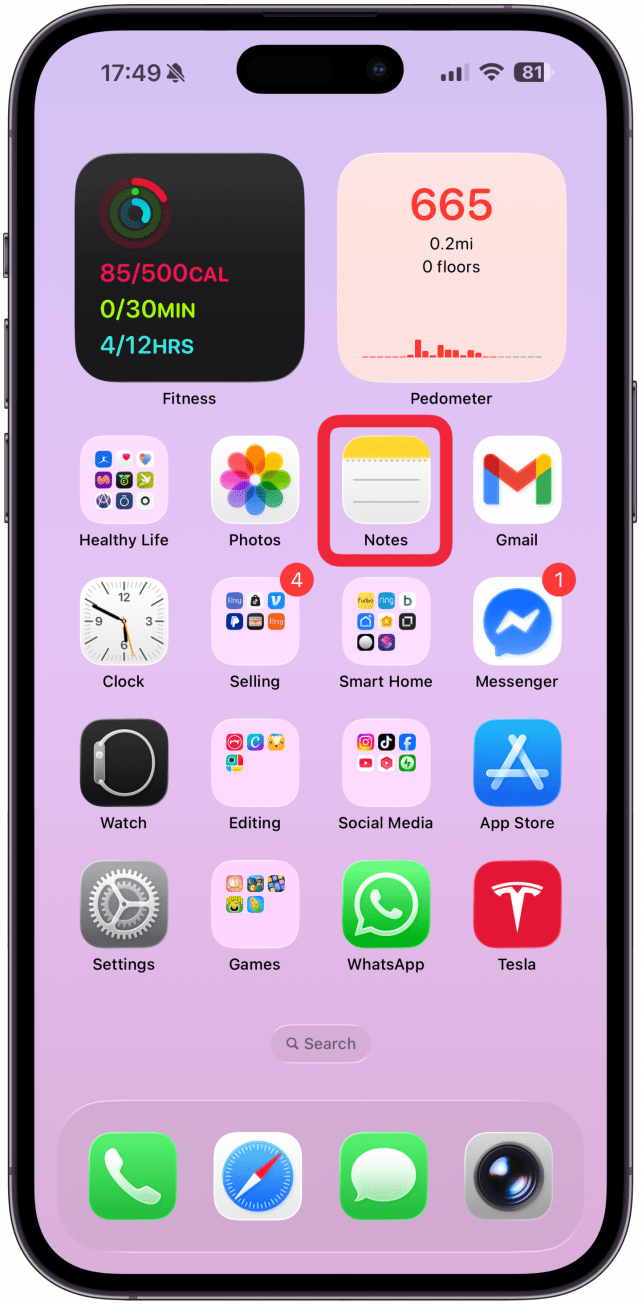
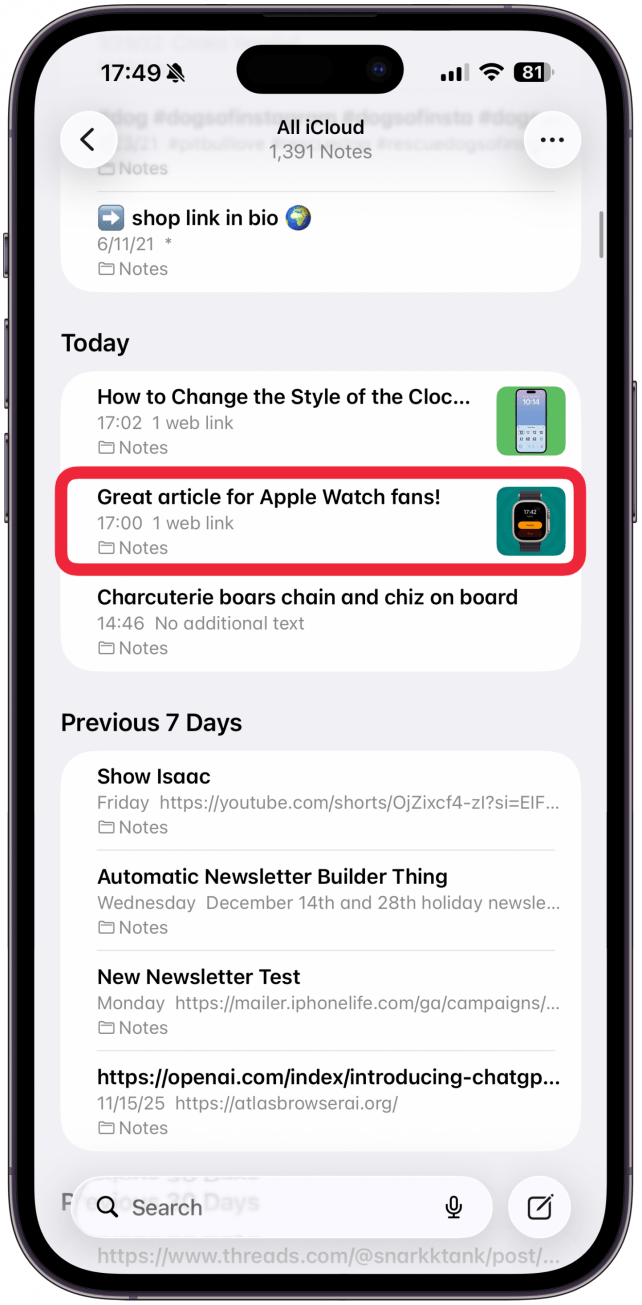
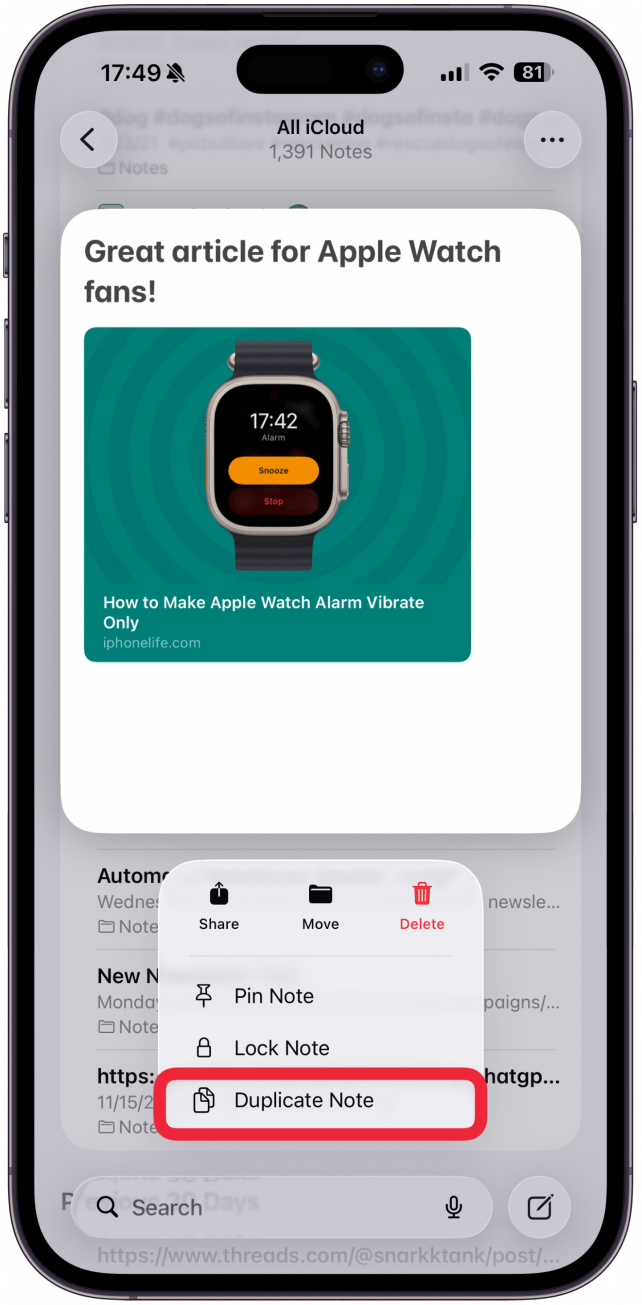
That's it! This is the quickest way to duplicate an entire note without having to painstakingly highlight the whole thing manually. This has definitely saved me some time, and hopefully, it will save you some time as well. Happy notetaking!
More On: The Notes App

Every day, we send useful tips with screenshots and step-by-step instructions to over 600,000 subscribers for free. You'll be surprised what your Apple devices can really do.

Rachel Needell
Related Articles
 Rachel Needell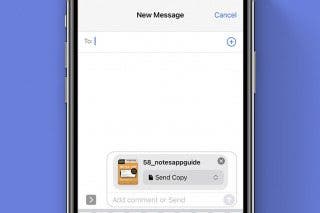
 Olena Kagui
 Leanne Hays
WWDC 2023 Recap: Apple Vision Pro Headset, 15-Inch MacBook Air & iOS 17
 Susan Misuraca
 Rhett Intriago
Apple Vision Pro: the AR Headset That Could Change Everything
 Cullen Thomas

 David Averbach